

|
Introduction to Digital
Detective's NetAnalysis


|
 |
The forensic examination and analysis of user
activity on a computer system can be the pivotal point of any
criminal or civil case.
With the increase in
the use of computers by paedophiles and other
criminals who commit crime on the Internet, it is
vital for digital forensics investigators to be able
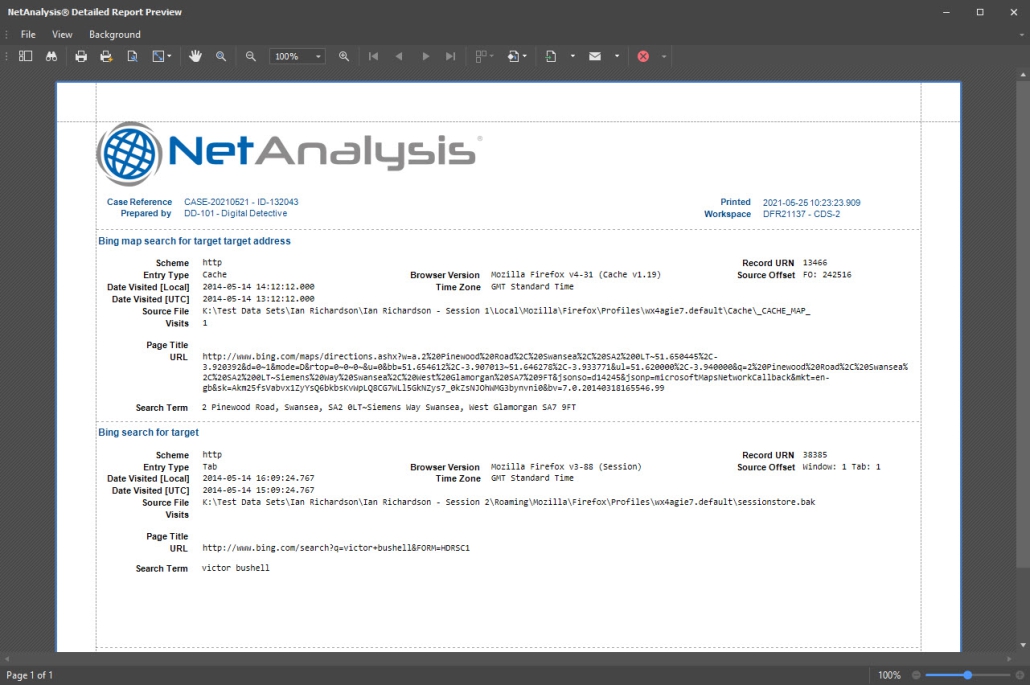
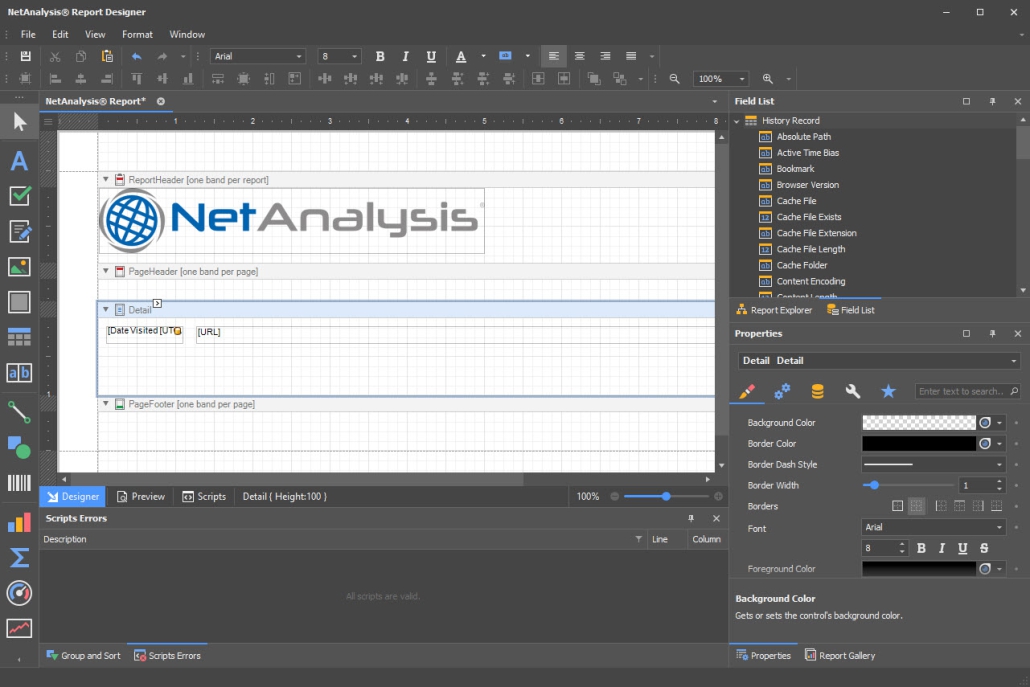
to extract this data, analyse it quickly and present the
evidence in an understandable format.
More importantly, as a
forensic specialist, you need to be sure that the
software you use is accurate and can recover live
and deleted data from a suspect system. |

Internet History Analysis
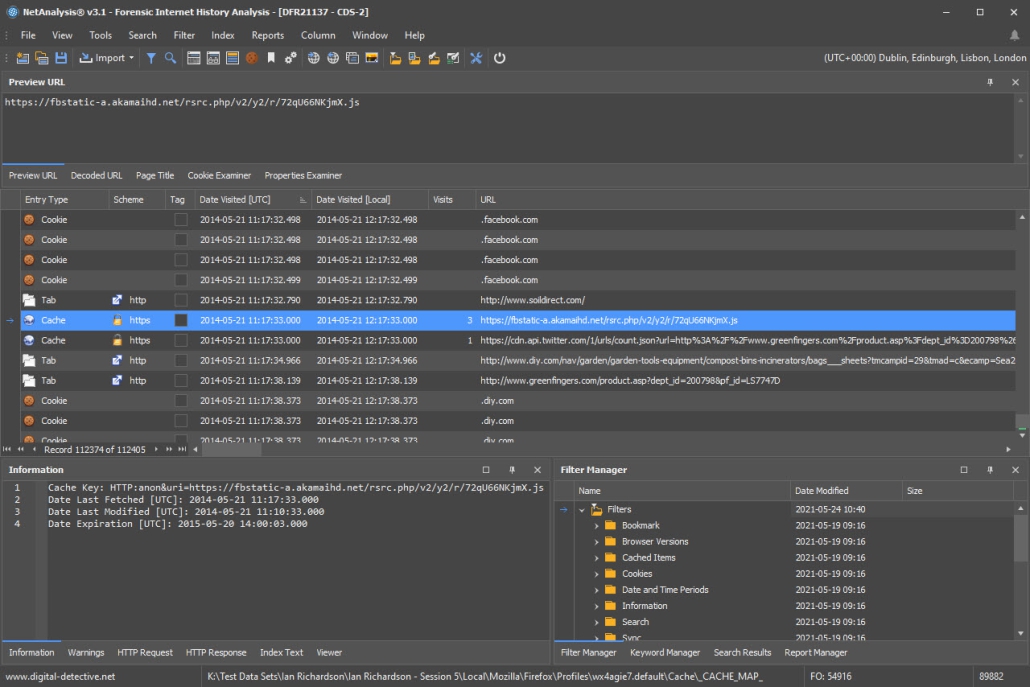
NetAnalysis has become the industry standard
software for the recovery and analysis of Internet browser
artefacts. It was developed in 2001 by a digital
forensics practitioner working for a police Digital
Forensics Unit in the United Kingdom.

In use by Law Enforcement agencies around the world, this
tool is ideal for the analysis of the internet history data! Some other forensic utilities only offer the ability to
print the data, which can be many thousands of URLs. How do
you sift through all that data, identifying the all
important evidence? The answer is NetAnalysis! Powerful
searching, filtering and evidence identification with
targeted evidence presentation.

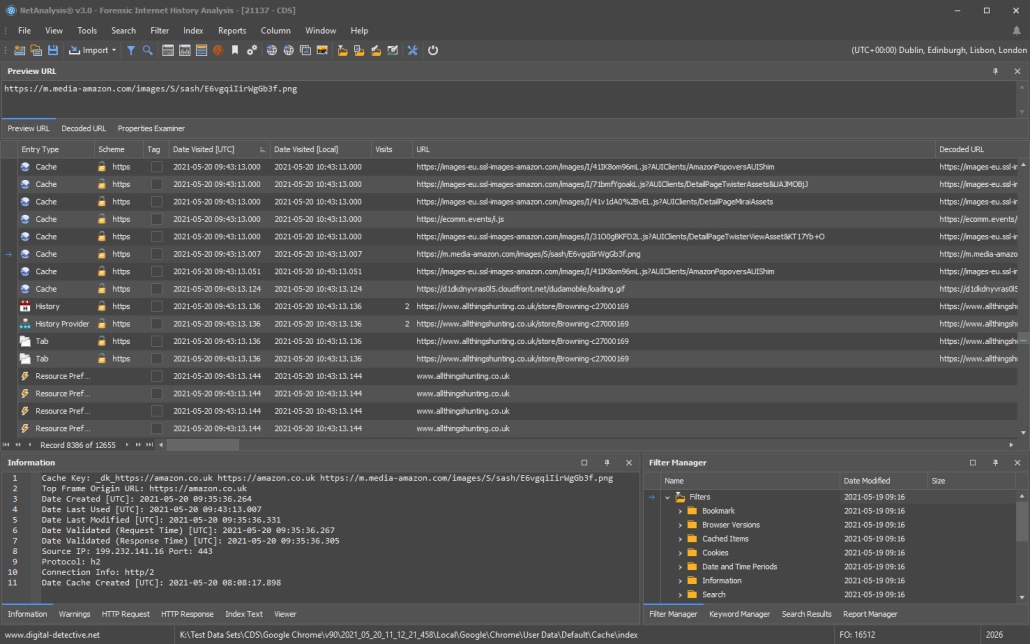
Viewing Cache Data
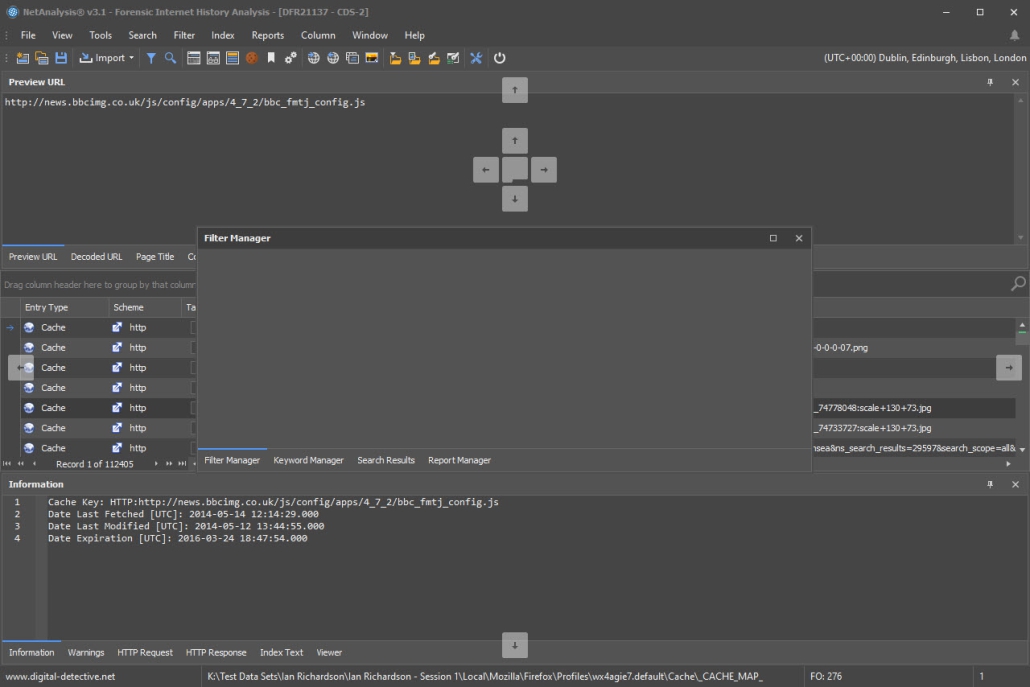
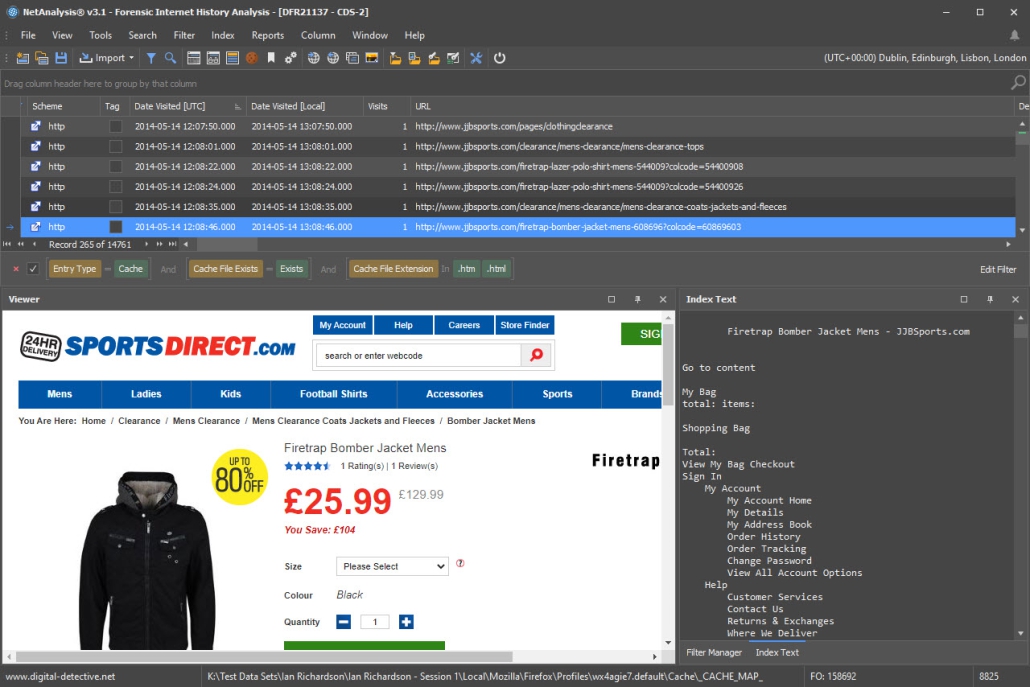
The Offline Cache viewer is a very powerful feature -
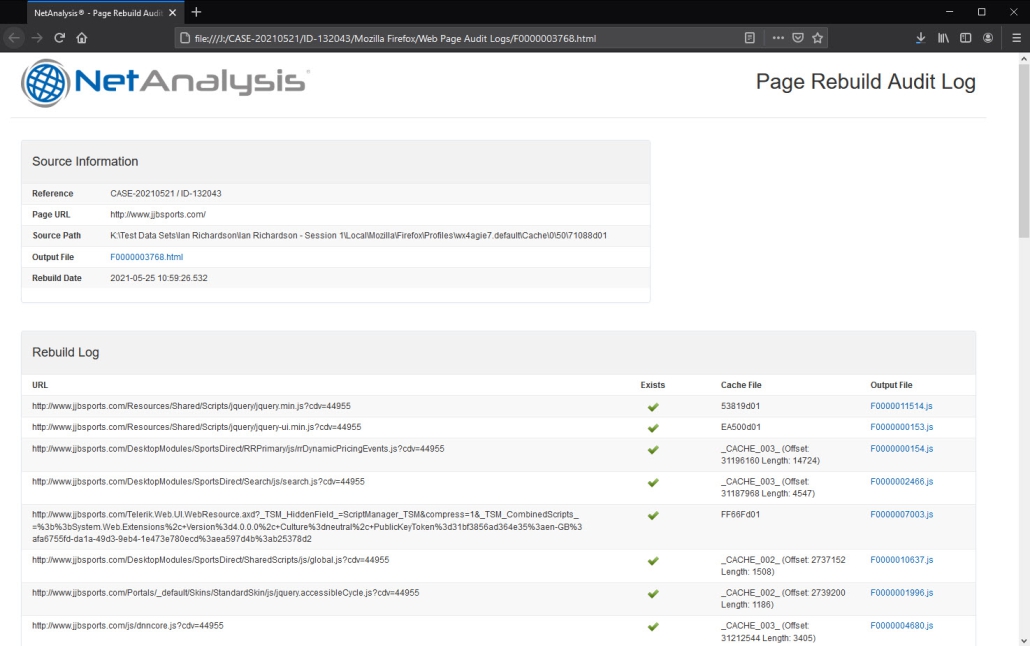
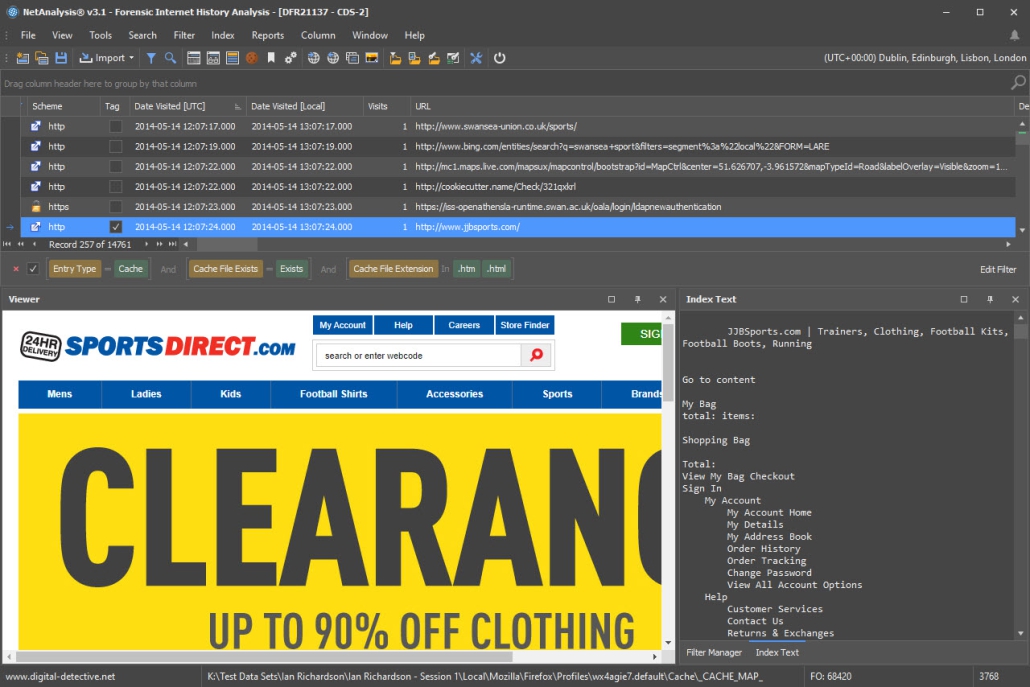
NetAnalysis will automatically rebuild HTML web pages from
an extracted cache, automatically adding the correct
location of the graphics allowing you to view the page as
the suspect did. NetAnalysis also allows you to easily view
JPEG and other pictures that have been viewed by the
suspect, straight from the cache!
The offline viewer can also be used as a viewer for forensic
software such as Encase. It is a fast, sleek
offline HTML viewer which supports Flash Movies, Graphics
formats and various plug-ins to view PDF and Office
Documents.

Auto Investigate Feature
NetAnalysis also has a unique feature to quickly identify
possible child pornography sites, search criteria typed by
the user, passwords and usernames and access to online
storage.
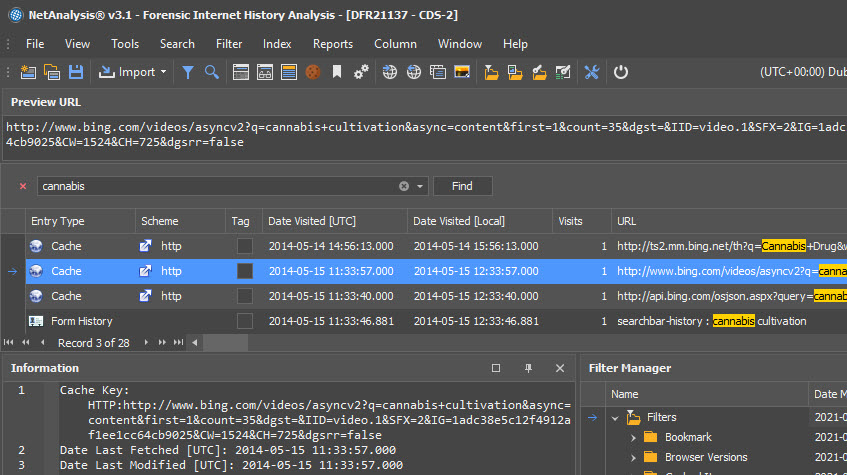
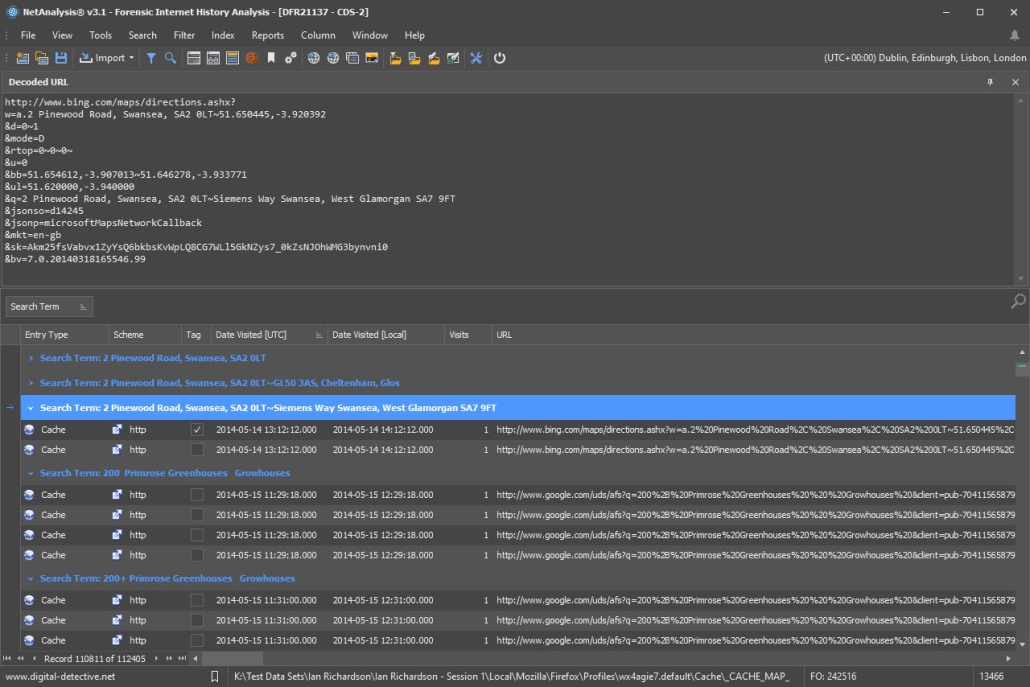
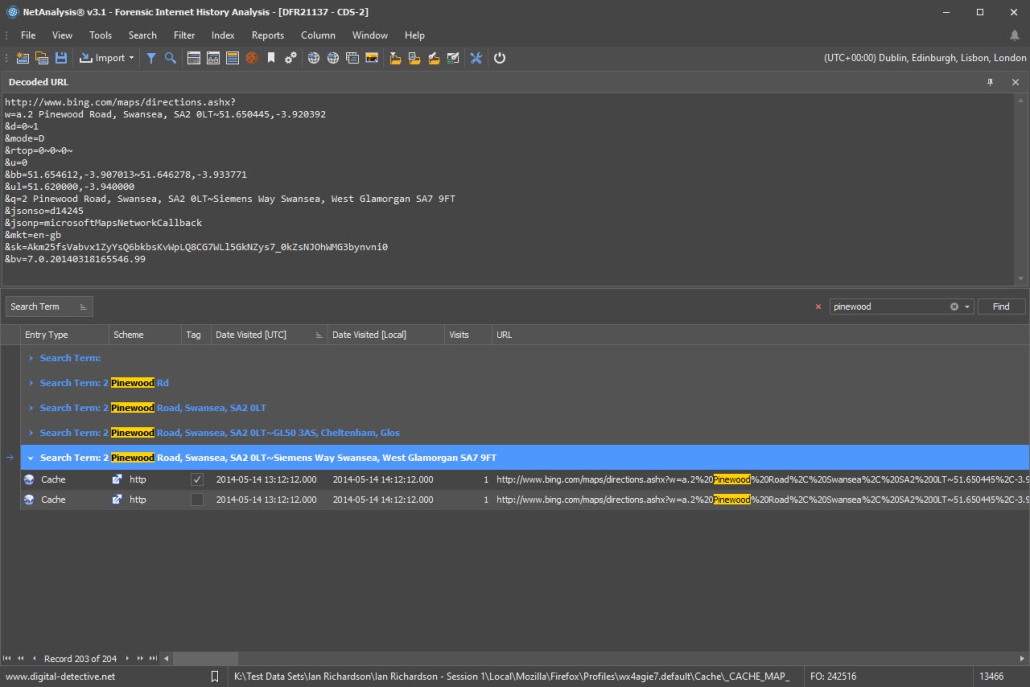
NetAnalysis will automatically filter out possible search
criteria. This allows you to separate this vital evidence
and present it as a separate exhibit. How can the suspect
claim he/she stumbled across the pictures by accident if you
have pages and pages of search criteria looking for that
material.
In addition, NetAnalysis also
allows you to build keyword lists and SQL queries.
These queries and lists can be shared amongst colleagues and
saved for later use.

Recovery of Deleted Data

HstEx is
a Windows-based, advanced professional forensic data
recovery solution designed to recover browser artefacts and
Internet history from a number of different source evidence
types. HstEx supports all of the major forensic image
formats.
The software has been designed for extremely fast/accurate
data recovery. It has specifically been written for the
field of Digital Forensics and was developed 100% in-house.
Digital Detective Group is proud of the fact that we do not
outsource any of our software development work, unlike
other software companies.
Sources of
Evidence
How do you find deleted
Internet history? In addition to the live files on the
system, Internet History and file activity can be found in
numerous locations such as:
- Unallocated clusters
- Cluster slack
- Live Memory, memory dumps and crash dumps
- Page files, system files, hibernation files
- System restore points
NetAnalysis has its own History Extractor (HstEx v3) which
will search and extract history records from a variety of
sources. The source of the evidence can be any of the
popular forensic image files such as from EnCase or
AccessData FTK, write protected physical and logical
devices, flat file monolithic image formats or segmented
flat file images.
In some cases (such as Internet Explorer) HstEx /
NetAnalysis does not need the full Internet history file, it
can recover individual live and deleted records.
|